How To Publish An App To Google Play And App Store?
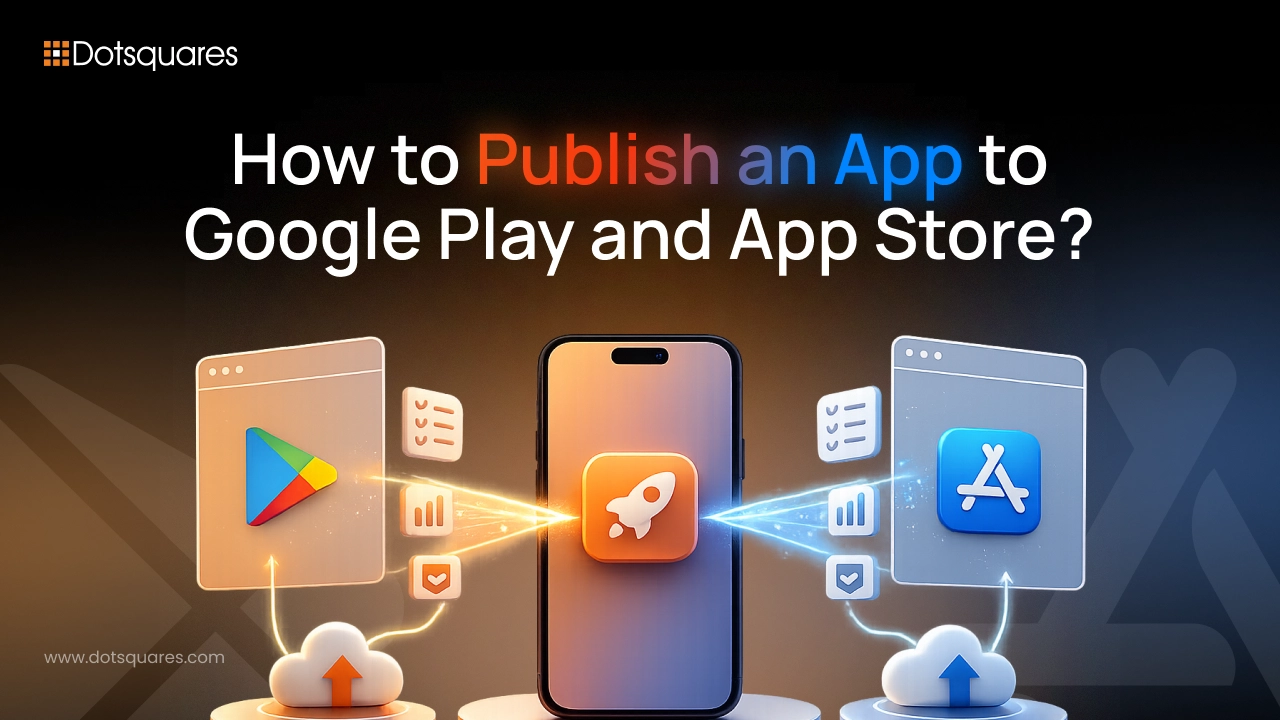
Nearly 1.9 million app submissions got rejected by Apple in 2024 alone, out of 7.7 million total, a rejection rate close to 25%. Most of those rejections weren't caused by broken code, they were caused by missing a checklist item nobody bothered to read properly. So before you learn the hard way, here's a complete guide to publishing an Android and iOS app, covering exactly what the Google Play Store app submission process requires, what changes once you try to publish an app to Google Play Store versus the App Store, and how to avoid becoming another rejection statistic. Whether your goal is to submit your app to Google Play for the first time or to publish app to App Store as a second launch platform, the fundamentals below apply either way.
Why Publish Your App on Google Play and the Apple App Store?
Together, these two platforms are still where the vast majority of mobile users actually discover and install apps. Skipping either one, or getting the submission wrong, means a working product with no real path to its audience. Getting this part right is just as much a part of mobile app deployment as the development work that came before it, since a technically excellent app still fails if it never clears review.
There's also a growing regulatory dimension worth knowing about. Since June 2025, EU app rules have opened the door to alternative distribution and external payment options outside Apple's own ecosystem, and from January 2026, Apple's old per-install Core Technology Fee was replaced with a unified Core Technology Commission. None of this changes how review itself works, but it does change how pricing and distribution strategy should be planned before submission, particularly for apps targeting European markets.
Prerequisites Before Publishing an App
Before submitting an app to either store, complete these essential app development steps. Proper preparation helps reduce approval delays and ensures the app delivers a smooth experience from the first download. It also helps identify technical, security and compliance issues before the app reaches users.
- Complete the app build: Ensure all core features are functional, with no placeholder screens or unfinished workflows.
- Test the app: Check performance, navigation, crashes and key user journeys across supported devices and operating systems.
- Prepare a privacy policy: Host the privacy policy at a publicly accessible URL.
- Create store assets: Prepare platform-specific screenshots, icons and other required app store visuals.
- Register developer accounts: Set up and verify developer accounts on both platforms. Approval can take several days.
- Prepare the production build: Remove test data, development keys and unnecessary debugging tools before submission.
Completing these steps before submission helps reduce delays and ensures the app is ready for the Apple App Store and Google Play Store review processes.
Requirements for App Store Submission
Apple's requirements have tightened considerably through 2026. Key points to check off:
- Apple Developer Program enrollment, $99/year, requiring two-factor authentication and a valid payment method
- Apps must be built with the iOS/iPadOS 26 SDK or later starting April 2026
- Full 64-bit architecture support, with iPhone apps expected to run on iPad wherever reasonably possible
- A complete, non-beta app, demo login credentials provided if the app requires an account
- Apple's in-app purchase commission runs 15-30%, dropping to 15% under the Small Business Program for developers earning under $1M annually
- Organizations need a DUNS number for account verification, free to obtain but taking anywhere from 5 to 30 business days
Requirements for Google Play Store Submission
Google's process is generally lighter on paperwork but has its own specific gates:
- A one-time $25 registration fee for a Google Play Developer account
- Apps must be uploaded as an Android App Bundle (AAB), not a standalone APK
- New personal developer accounts created after November 13, 2023 must run a closed test with at least 12 opted-in testers for 14 continuous days before the app can go live in production
- A completed Data Safety form disclosing exactly what data the app collects and how it's used
- Compliance with the Android 16 (API level 36) target SDK deadline
Our teams building on Android App Development treat these requirements as part of the build plan from day one, not an afterthought tackled the week before launch.
How to Publish on the App Store and Google Play Store
For the App Store:
- Enroll in the Apple Developer Program and verify your account
- Prepare your build in Xcode and archive it for distribution
- Complete your App Store Connect listing, screenshots, description, keywords, privacy details
- Submit for review
- Respond promptly to any reviewer feedback if rejected, then resubmit
For Google Play:
- Register your Google Play Developer account and pay the one-time fee
- Upload your AAB build through Play Console
- Complete your store listing and the Data Safety declaration
- Run the mandatory closed testing period if required for your account type
- Submit for production review
Teams working across iOS App Development generally build submission prep into the same sprint as final QA, since compliance issues caught late in the process cost far more time to fix than ones caught early.
Google Play vs Apple App Store Publishing
|
Factor |
Apple App Store |
Google Play Store |
|
Developer fee |
$99/year |
$25 one-time |
|
Review timeline |
4-7 days typical, 2-4 weeks for flagged categories |
Often faster, but Data Safety enforcement is strict |
|
Rejection rate |
Roughly 25% on first submission |
Lower reported rate, but stricter permissions enforcement |
|
Build format |
Xcode archive via App Store Connect |
Android App Bundle (AAB) |
|
Commission on purchases |
15-30% (15% under Small Business Program) |
Similar tiered structure, varies by revenue |
|
New account restrictions |
Standard account verification |
Mandatory 14-day closed testing for new personal accounts |
Common Reasons Apps Get Rejected
The same handful of issues account for most rejections on both platforms:
- Incomplete or placeholder functionality submitted as a finished app
- Missing or inadequate privacy policy, or a Data Safety form that doesn't match what the app actually collects
- Broken login flows, with no demo credentials provided for reviewers
- Crashes or bugs that surface during the reviewer's testing session
- Apps that read as a repackaged website rather than a genuine native experience
- Misleading metadata, screenshots, or descriptions that don't match the actual app
Best Practices for Faster App Approval
- Test on real devices across multiple OS versions before submitting, not just a simulator
- Read the platform's most recent guideline updates before every major release, not just your first submission
- Provide clear demo credentials and detailed reviewer notes for any account-gated features
- Keep your Data Safety and privacy policy documentation genuinely accurate, not just legally defensible
- Budget real time for at least one rejection-and-resubmission cycle, since it's common even for well-prepared apps
Getting the foundation right earlier in the process matters more than most teams expect. Our breakdown of app development steps covers how submission prep fits into a proper build timeline from the start, and our look at why mobile apps matter for business explains why getting this launch step right is worth the extra care.
Conclusion
Pushing an app up to Google Play and the App Store shouldn't solely rely on that final button after completing development! There are various procedures, real limitations, and there's also a chance that if you're not careful your app may be rejected - so be prepared! Rather than thinking about compliance and preparation for submission as only the final touches, which are just put in place one week before launching, consider that the build should include such things from the beginning. Once you get the review process to feel almost normal you won't think of it as a major problem that's really between the users and your app. It doesn't matter if you're just about starting with the release or it's already your fifth one, the platforms have a habit of updating their requirements annually, Because of this it is quite as important to get your checklist updated for every major release as getting it right the first time!


Related Post
 July 30, 2026
Lovable Pricing Guide 2026: Plans, Pros, Cons & Best Alternatives
Explore the Lovable Pricing Guide 2026 with detailed plan comparisons, pricing, pros, cons, features, and the best alternatives.
Keep Reading July 30, 2026
Zoho for Healthcare Industry: Complete Guide, Benefits, Features & Best Practices
Discover how Zoho CRM for Healthcare helps improve patient management, automate workflows, streamline operations, and enhance healthcare services.
Keep Reading July 29, 2026
Custom CRM vs Off-the-Shelf CRM: Which Delivers Better ROI?
Compare custom CRM vs off-the-shelf CRM to understand the differences in cost, flexibility, scalability, integrations, and maintenance before choosing the right option.
Keep Reading